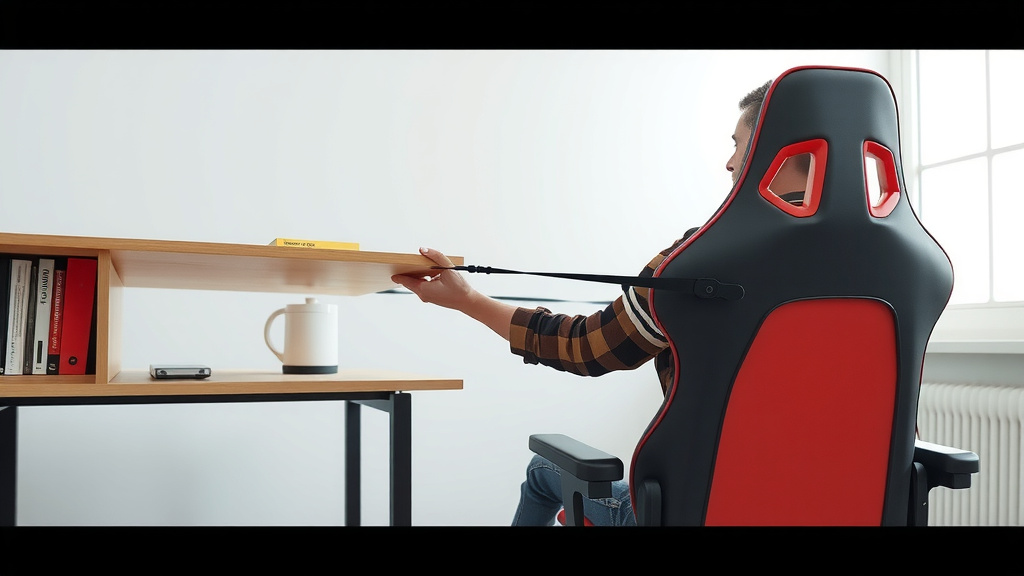
How to Safely Lift Your Gaming Chair
Lifting a gaming chair is often easier than you think. Most gaming chairs have a lever mechanism that lets you adjust the height, and you can often lift them by following a few simple steps. We’ve found that knowing the right method can save you a lot of effort and potential strain.
When you need to move your gaming chair, whether it’s for cleaning, rearranging your setup, or just to give it a fresh look, understanding its construction is key. Many chairs feature a sturdy base with wheels and a central support column that allows for easy adjustment and maneuvering. We’ve learned that a little knowledge goes a long way in making these tasks less of a chore.
- Know your chair’s height adjustment lever.
- Understand how the base and wheels work.
- Keep it simple; avoid unnecessary force.
- Consider asking for help if needed.
Let’s walk through the easiest ways to lift and move your gaming chair, ensuring you handle it properly without any fuss. We’ll cover the most common scenarios you might encounter.
Getting Your Gaming Chair Up and Moving
You might be wondering how to lift your gaming chair without straining yourself. We’ve found that most chairs are designed with user convenience in mind. The key is understanding the simple mechanics involved. Let’s make moving your chair feel less like a wrestling match and more like a smooth operation. You’ll be surprised at how straightforward it can be.
Understanding Your Gaming Chair’s Height Adjustment
The most common way to adjust the height of your gaming chair is by using the lever. You’ve probably seen it. It’s usually located underneath the seat on one side. This lever controls a gas cylinder, which is the magic behind raising and lowering your seat. We’ve learned that knowing its function is the first step to proper chair management.
How the Height Adjustment Lever Works
To raise your chair, you typically lift the lever while you are sitting on the chair and then stand up. As you stand, the chair will gently rise. To lower it, you’ll do the opposite. You lift the lever while you’re seated and then gently push down on the chair with your body weight. It’s a pretty intuitive system once you try it. Many sources confirm this is standard practice for most office and gaming chairs (Occupational Safety and Health Administration).
Finding and Operating the Lever
First, identify the lever. It’s often a metal bar. You might need to get down low to see it clearly. Some levers require a slight pull upwards, while others you push down. Once you have it, lift it. If you’re trying to lower the chair, make sure you’re still seated when you operate the lever and apply gentle pressure downwards.
What If the Lever Isn’t Working?
Sometimes, these levers can get a bit sticky, especially if the chair hasn’t been adjusted in a while. We’ve found that wiggling the lever gently can help. If it still feels stuck, try standing up and sitting down a few times to put pressure on the mechanism. In rare cases, a more stubborn mechanism might need a closer look. But for most issues, these simple steps should do the trick.
Moving Your Gaming Chair to a New Spot
Now that you know how to adjust the height, let’s talk about moving the whole chair. The wheels are your best friends here. They’re designed to make relocation easy. You don’t usually need to lift the entire chair to shift it a few feet. We’ve seen people try to muscle them, which is rarely necessary!
Using the Wheels for Smooth Transitions
Your gaming chair likely has a sturdy base with casters, or wheels. These allow you to glide the chair across your floor. To move it, simply sit on the chair or stand next to it and gently push. The wheels should handle the rest. If you’re moving it a longer distance, ensure the path is clear. We suggest doing a quick sweep for cords or obstacles.
Dealing with Different Floor Types
The type of flooring you have can affect how easily your chair rolls. Hardwood floors are generally smooth sailing. Carpets can offer a bit more resistance. If you have thick carpet, you might need to apply a little more steady pressure. Some gamers opt for a chair mat to create a smoother surface, especially on carpet. This can really make a difference in how the chair glides.
When You Might Need to Lift the Chair
There are times when lifting is unavoidable. Perhaps you need to clean underneath it thoroughly, or you’re moving it over a threshold or up a step. In these instances, it’s best to lower the chair to its lowest setting first. This makes it more compact and easier to manage.
Proper Lifting Techniques
If you absolutely must lift your gaming chair, remember to use your legs, not your back. Bend your knees and keep your back straight. Get a firm grip on the sturdy parts of the chair, like the base or the seat itself. Avoid lifting by delicate parts like armrests or the backrest, as these might not be designed for that kind of stress. Many safety guidelines stress using proper lifting mechanics to avoid injury (U.S. Department of Labor).
Can You Disassemble a Gaming Chair for Moving?
Some gaming chairs are designed to be partially disassembled, making them easier to move, especially for longer distances. Typically, the seat and backrest can be detached from the base. This usually involves unscrewing bolts. If you’re moving to a new home or need to store the chair, this could be a good option. Always check your chair’s manual if you have it. We found that disassembled chairs are much easier to maneuver through tight spaces.
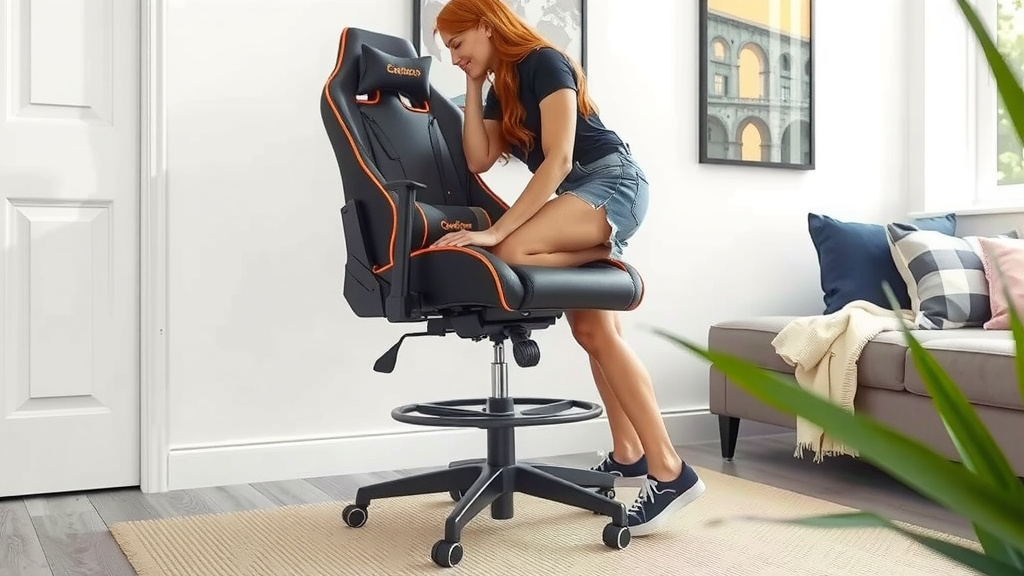
Checklist for Moving Your Gaming Chair
Here’s a quick checklist to make sure you’re all set:
- Lower your chair to its lowest setting if possible.
- Clear any cords or obstructions from the path.
- Grip the chair firmly at its sturdiest points.
- Use your legs to lift, not your back.
- Ask for help if the chair feels too heavy or awkward.
- Consider disassembly if moving long distances.
A Quick Table for Chair Moving Scenarios
We’ve put together a little guide to help you decide the best approach for different situations:
| Situation | Best Method | Things to Consider |
|---|---|---|
| Moving a few feet across the room | Roll on wheels | Ensure clear path, check floor type. |
| Adjusting seat height | Use height adjustment lever | Sit on chair to lower, stand to raise. |
| Cleaning under the chair | Roll on wheels or lift carefully | Lower chair first, use legs to lift. |
| Moving up or down stairs | Lift carefully or disassemble | Get help, use proper lifting, or take apart. |
| Long-distance move or storage | Disassemble if possible | Check manual, use tools, store parts safely. |
Conclusion
You’ve now got the know-how to manage your gaming chair with ease. Remember, most height adjustments happen with that simple lever. For moving, let those wheels do the heavy lifting whenever possible. If you do need to pick it up, using your legs is key to protecting your back. We found that these methods help you avoid strain and keep your setup looking its best. Don’t hesitate to ask a friend for an extra hand if a situation feels awkward or too heavy. Your next chair move will be a breeze!
Frequently Asked Questions
How do I get my gaming chair to go up if the lever doesn’t seem to work?
If the height adjustment lever feels stuck, try sitting on the chair and gently wiggling the lever. Sometimes, standing up and sitting back down a few times can also help engage the mechanism. Ensure you’re not trying to lower it while pulling up, or vice-versa.
Is it safe to lift a gaming chair on my own?
For most gaming chairs, lifting them on your own is manageable if you use proper technique. Always lower the chair to its lowest setting first. Then, bend your knees and lift with your legs, keeping your back straight. If it feels too heavy or awkward, it’s always safer to get help.
What’s the best way to move my gaming chair across a carpeted floor?
Moving across carpet can be a bit tougher than a hard floor. You can try applying steady, even pressure while rolling on the wheels. Some people find that a chair mat placed on the carpet creates a smoother surface for easier gliding. Make sure the path is clear of any rug edges.
Can I just pick up my gaming chair by the armrests?
We advise against lifting your gaming chair by the armrests. They might not be designed to bear the full weight of the chair and could potentially break. Always grip the sturdier parts of the chair, like the seat base or the main support column.
My gaming chair squeaks when I move it. How can I fix that?
Squeaks often come from the casters (wheels) or joints in the chair mechanism. You can try cleaning the wheels thoroughly to remove any debris. If the squeaking persists, a little silicone-based lubricant applied sparingly to the wheel axles or where parts connect might help quiet things down.